Split PDF
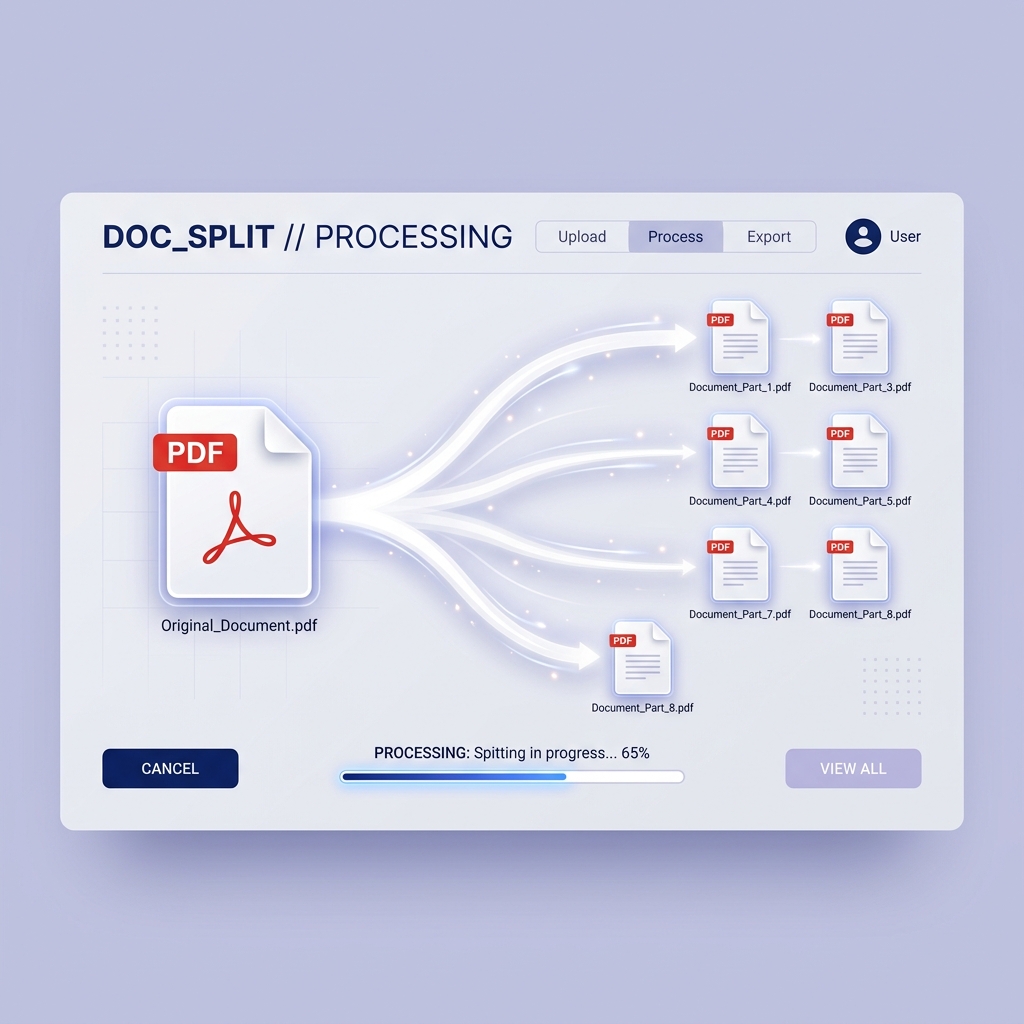
Extract specific pages or split a large PDF into multiple documents with surgical precision. Our secure, cloud-based PDF splitter maintains your document quality while giving you complete control over your files.
Advertisement
call_split
Select PDF to split
Drag and drop your PDF file here
Split Settings
Flexible Splitting
Split by range, extract individual pages, or delete unwanted pages in seconds with high precision.
settings_input_component
Granular Control
Extract single pages or custom ranges with surgical precision.
speed
High Performance
Powered by a high-velocity engine that processes large files in milliseconds.
lock
Cloud Security
Your files are encrypted and automatically deleted after processing for your privacy.
How to split your PDF
-
1
Upload PDF
Select or drag & drop your PDF file into the secure box.
-
2
Select Pages
Choose the specific pages or ranges you want to extract.
-
3
Process & Download
Click "Split" and save your new files to your device instantly.
Frequently Asked Questions
How can I extract only a few pages from a large PDF?
Simply upload your PDF, select the "Extract specific pages" mode, and enter the page numbers or ranges you need (e.g., 1, 3, 5-10). Click "Split" and we will generate a new PDF containing only those pages.
Is it safe to split sensitive or legal documents?
Yes. ConvertMint uses enterprise-grade SSL encryption for all file transfers. Your documents are processed in a secure cloud environment and are automatically deleted from our servers after 60 minutes.
Can I split a password-protected PDF file?
Yes, you can split protected PDFs, but you must provide the correct password first to authorize the extraction. Once unlocked, our engine will process the split as requested.
Will the quality of my PDF decrease after splitting?
No, our tool performs a direct extraction of the pages without re-compressing the content. This ensures that every image, font, and vector in your PDF remains at its original high quality.