PDF to Image
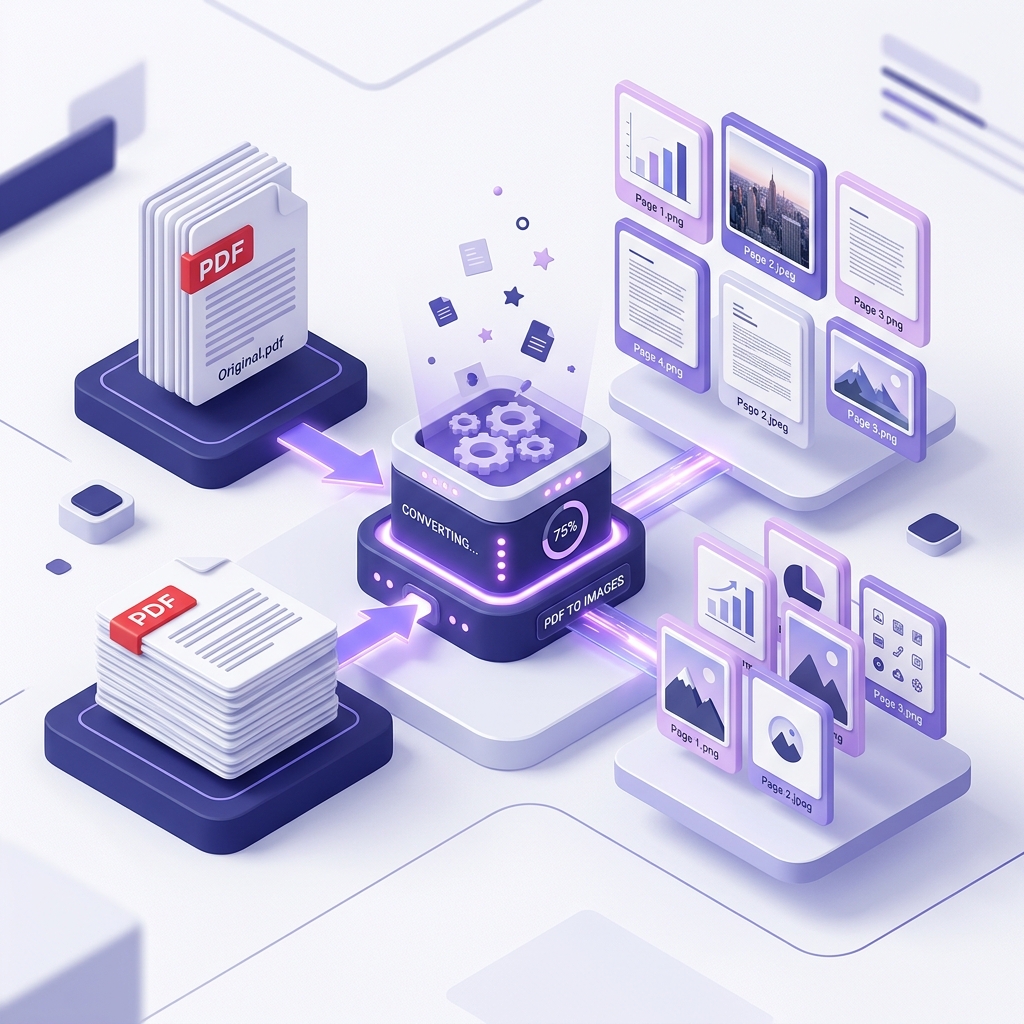
Transform your PDF documents into high-resolution JPG or PNG images instantly. Our precision rendering engine ensures every page is converted with pixel-perfect accuracy, suitable for professional use and sharing.
Advertisement
add_photo_alternate
Drop your PDF here
or click to browse from your computer
speed
Ultra-Fast Processing
Cloud-optimized rendering engines convert your largest PDF files in seconds, not minutes.
verified
Precision Rendering
Advanced vector rendering ensures high-resolution output suitable for professional printing.
lock
Secure & Private
All files are encrypted with SSL and automatically deleted from our servers after processing.
How to Convert PDF to Image
-
1
Upload PDF
Select the PDF file you want to convert from your device or cloud storage.
-
2
Choose Format
Select your preferred output format (JPG or PNG) and image quality settings.
-
3
Convert & Download
Click 'Convert' and download your images individually or as a single ZIP file.
Frequently Asked Questions
Can I convert multiple PDF pages into separate images at once?
Yes! Our tool converts every page of your PDF into a separate, high-resolution JPG or PNG image. For multi-page documents, all images are conveniently packaged into a single ZIP file for easy downloading.
What image formats are supported for the output?
You can choose between JPG (ideal for smaller file sizes) or PNG (best for high-quality graphics and transparency) as your output format. You can also adjust the quality settings to meet your specific needs.
Is it secure to upload my PDF files to ConvertMint?
Absolutely. Security is our top priority. All file transfers are encrypted using 256-bit SSL technology. Your original PDF and the converted images are automatically deleted from our servers within 60 minutes.
Will the converted images be clear and readable?
Yes, our engine uses advanced vector-to-raster rendering to ensure that all text, diagrams, and images from your PDF are captured with high clarity, maintaining professional readability.