OCR Explained: Convert Image to Editable Text

OCR stands for Optical Character Recognition. In everyday language, it means turning text inside an image, scan, receipt, screenshot, or PDF page into text you can copy, search, edit, and reuse.
For students, creators, agencies, and businesses, OCR removes manual typing from repetitive document work. It is especially useful when information is locked inside screenshots or scanned files.
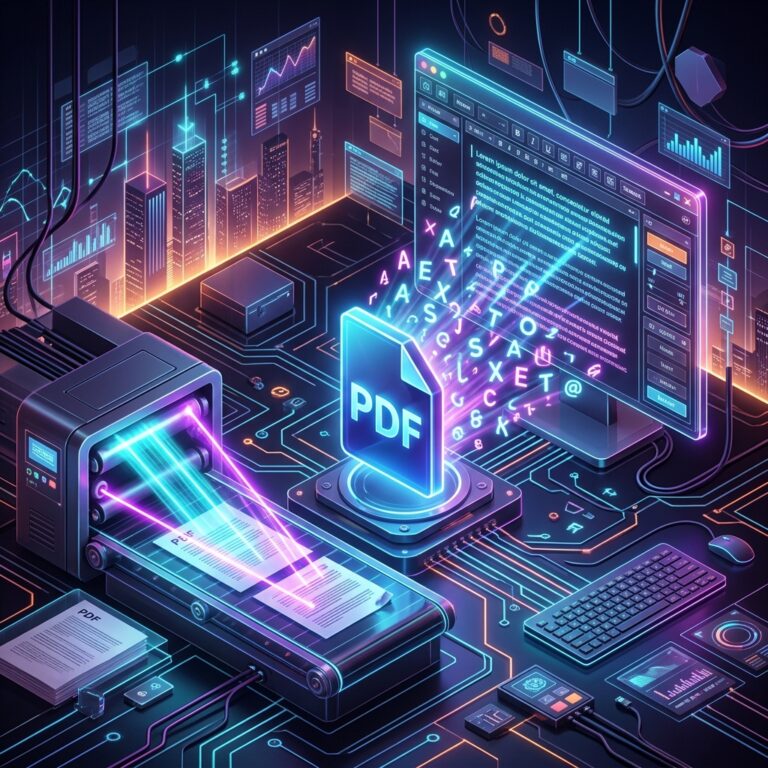
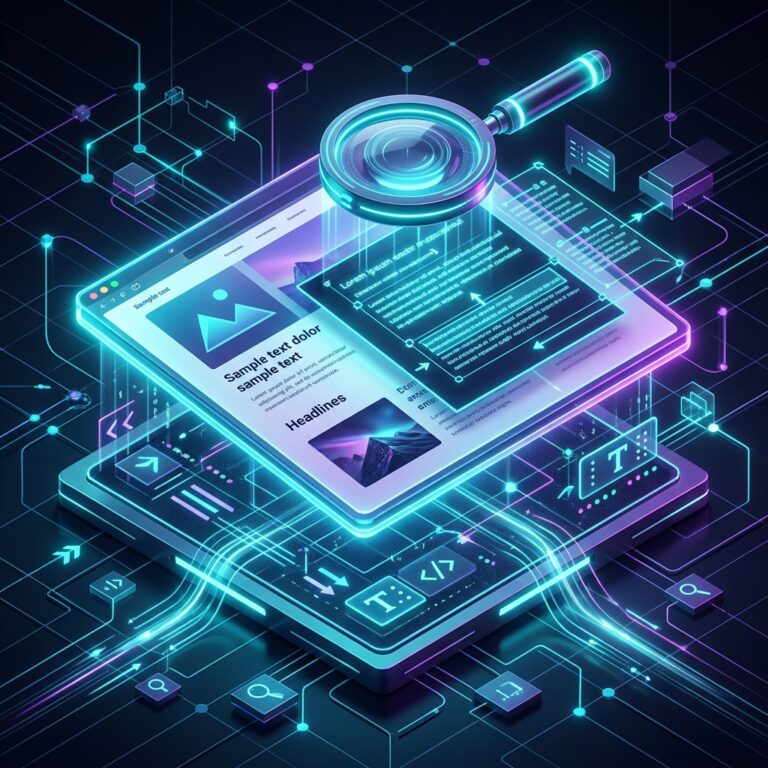
OCR converts image-based text into editable text by detecting characters, rebuilding words, and exporting the result into a copyable format.
The Problem
Images are easy to view but hard to edit. If someone sends a photo of notes, a scanned invoice, or a screenshot of a paragraph, normal copy and paste will not work. Manual typing is slow and error-prone.
Most users do not want to install heavy desktop software for a one-time task. They want a browser-based tool that works quickly, protects the original file, and gives them a clean download without confusing settings. That is why simple SaaS utilities are becoming part of everyday study, marketing, business, and creator workflows.
The Solution
An OCR tool analyzes the image, recognizes letters and numbers, and returns editable text. Better tools also support multiple formats, clean output, and simple download options for users who want TXT, DOCX, or searchable PDF results.
A good tool page should explain what the tool does, accept the right file formats, show progress clearly, and make the next action obvious. It should also support free users while giving power users a clear reason to upgrade when they need bigger files, faster processing, bulk actions, or commercial workflows.
Key Benefits
- Save time by avoiding manual retyping.
- Make scanned documents searchable.
- Extract text from screenshots, invoices, IDs, forms, and notes.
- Create editable study material from printed pages.
- Support business workflows that involve receipts and documents.
Step-by-Step Guide
- Upload a clear image, scanned page, or screenshot.
- Choose the OCR language if the tool provides that option.
- Run text recognition and wait for the tool to process the image.
- Review the extracted text for spelling, line breaks, and formatting.
- Copy the text or download it in the format you need.
Best Practices
OCR works best when the source image is sharp, straight, and well lit. Crop out distracting backgrounds and avoid low-contrast text whenever possible.
- Keep the original file until the final result has been reviewed.
- Use descriptive file names so downloads stay organized.
- Check page speed, mobile usability, and file size before publishing online.
- Choose online tools that communicate file limits, privacy rules, and upgrade options clearly.
FAQs
What does OCR mean?
OCR means Optical Character Recognition, a technology that detects text inside images and converts it into editable text.
Can OCR read handwriting?
Some OCR tools can read clear handwriting, but printed text is usually more accurate.
Is OCR useful for PDFs?
Yes. OCR can turn scanned PDF pages into searchable or editable text.