PDF to Word
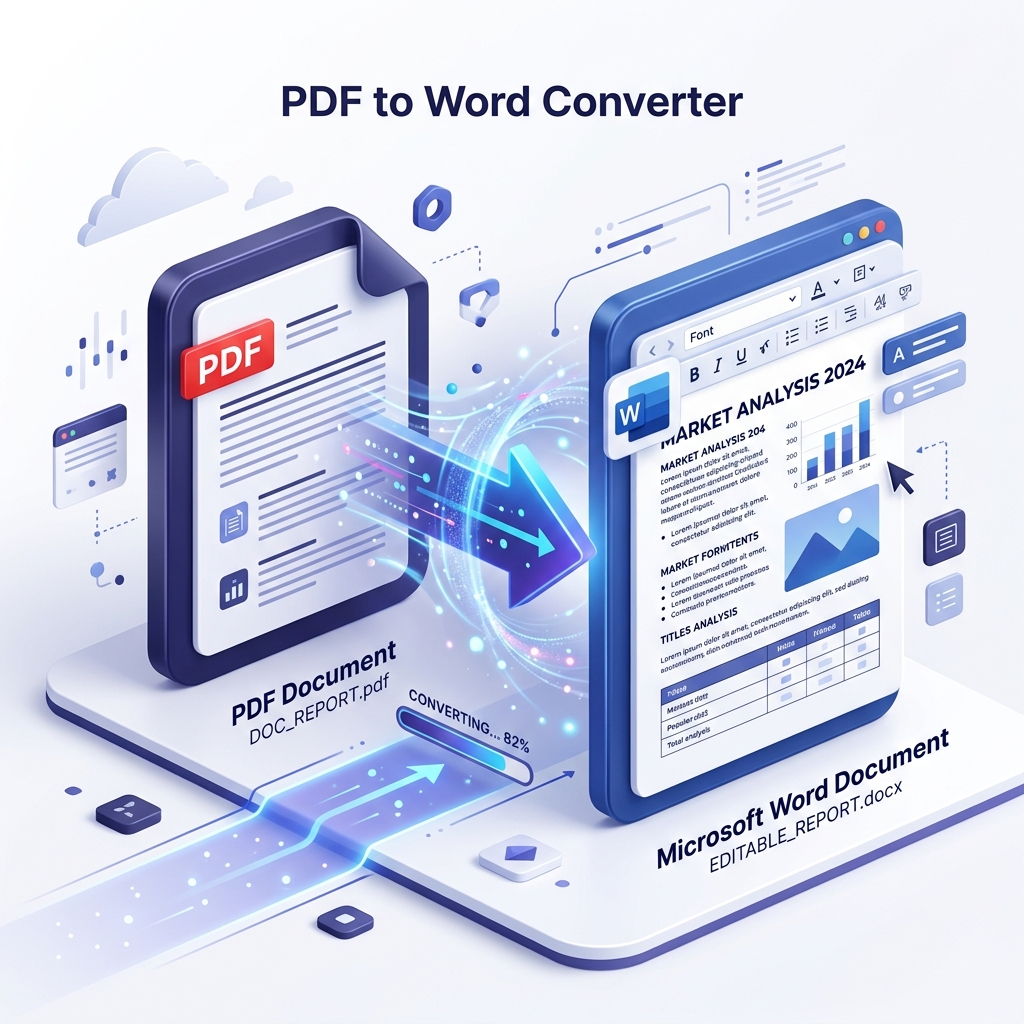
Convert your PDF files to fully editable Microsoft Word documents with 100% formatting preservation. Our advanced OCR technology ensures every table, image, and text block remains exactly where it belongs.
Advertisement
description
Drop your PDF here
or click to browse from your computer
Conversion Mode
OCR Engine
For scanned documents
Maintain Layout
Preserve text positioning
AI-Powered Accuracy
Our converter uses advanced Optical Character Recognition (OCR) to ensure even scanned documents are converted into perfectly editable Word files.
draw
High Precision OCR
Convert scanned PDFs into fully editable Word documents with pixel-perfect accuracy.
cloud_sync
Cloud-First Access
Upload files directly from Google Drive, Dropbox, or OneDrive from any device.
encrypted
Privacy Guaranteed
All files are protected with SSL encryption and automatically deleted from our servers.
How to Convert PDF to Word
-
1
Upload PDF
Select the PDF file you want to convert from your computer or cloud storage.
-
2
Automated Conversion
Our engine processes your document and preserves complex layouts instantly.
-
3
Download Word File
Your editable document is ready! Download it directly to your device.
Frequently Asked Questions
Will the formatting of my PDF change after conversion?
No, ConvertMint uses kinetic precision technology to ensure that all fonts, tables, and layouts are preserved exactly as they appear in your original PDF. Your Word document will be fully editable and identical in appearance.
Is it safe to upload my confidential PDF documents?
Security is our top priority. We use SSL encryption for all file transfers and automatically delete your files from our servers within 60 minutes of processing. We never store or view your content.
Can I convert scanned PDFs to editable Word?
Yes! Our built-in OCR (Optical Character Recognition) engine can recognize text in scanned PDFs and images, converting them into searchable and editable Word documents automatically.
Do I need to install any software to use this tool?
No, ConvertMint is a 100% cloud-based platform. You can convert your files directly in your web browser on any device (Windows, Mac, iOS, or Android) without installing anything.